 XAIV
How to update XAIV
XAIV has been completely free since v0.2.0. If you are on an older version (0.1.x), update with either method below.
What changes in v0.2.0
- The Account tab and the subscription / plan display are gone (no sign-in needed)
- Update check and version display move to the Settings tab
- The character cap is gone — transcription is unlimited
Method A — update from inside the app (0.1.x)
- Open XAIV.
- Open the "アカウント" (Account) tab at the top.
- Under "アプリの更新" (App update), press "更新を確認" (Check for updates).
- If a new version is found it is downloaded and installed automatically, and the app restarts.
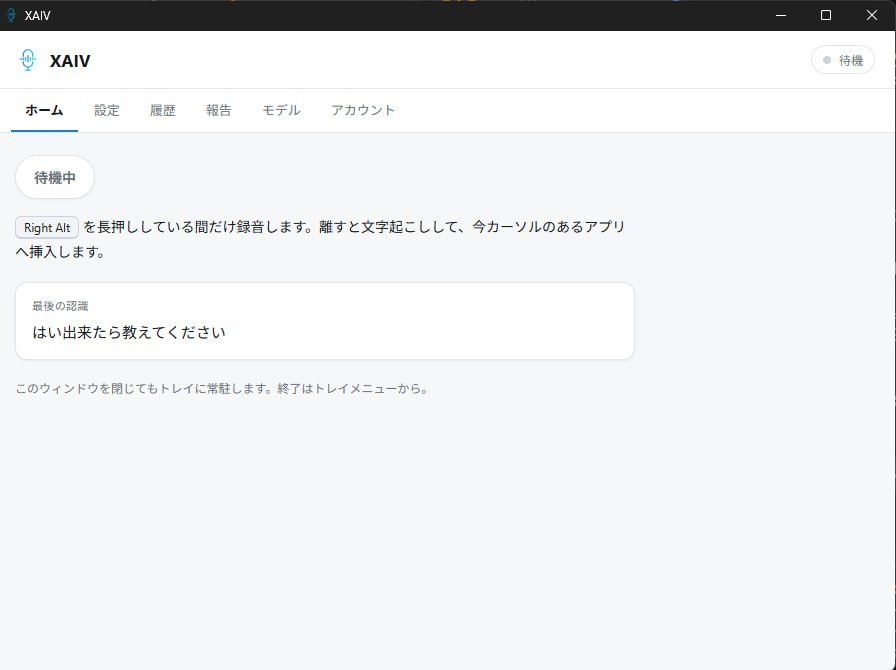
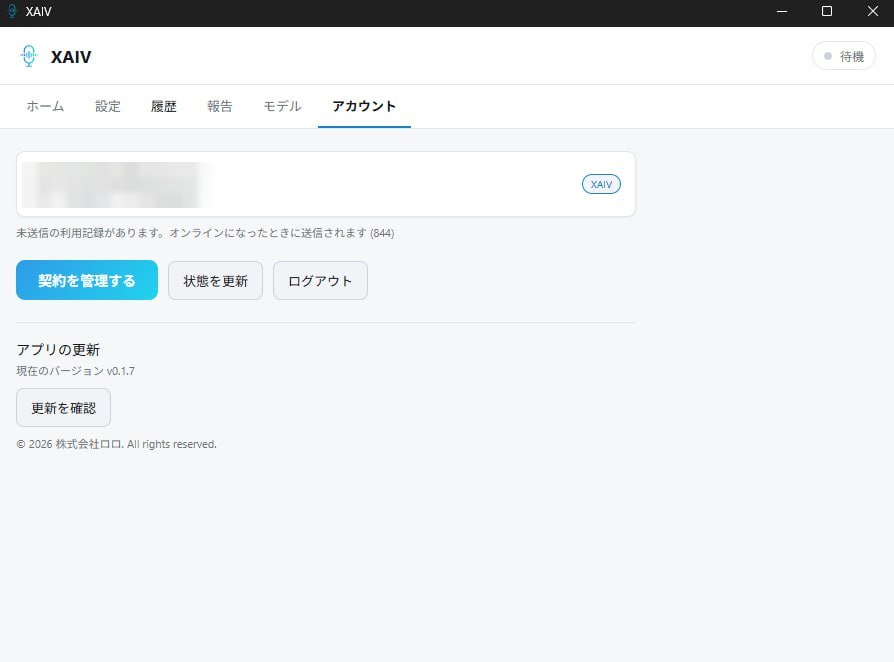
After updating (0.2.0+), the Account tab is gone; the same check lives in the Settings tab.
Method B — install the new version manually
- Get the new installer via the GREEN STEP application form. (If you already know your OS, you can also use the direct links below.)
- Quit the old version first (right-click the tray icon, then Quit), then run the new installer.
- You can install right over the old version. Your settings and history are normally kept.
Direct links: Windows ・macOS (Apple Silicon) ・macOS (Intel) ・Linux (.deb) ・Linux (AppImage)
Settings are normally carried over, but we recommend noting down anything important just in case.